



Spinstein app: mobile casino gaming
The Spinstein app revolutionizes the way all portable gaming fans see online casinos. We designed it for perfect digital performance. Our PWA offers a smooth, intuitive experience tailored for all mobile devices. You can participate in live dealer games or manage your account effortlessly, and our app delivers all these crucial features in a compact, easy-to-use package. We are your preferred choice for a trustworthy, immersive gaming experience on the go.


Spinstein app features
Our application provides a wide range of benefits as compared to playing on a desktop or a browser. Its streamlined interface also ensures that it loads quickly, even on a poor connection, yet it does not compromise the graphics or its smoothness. The Spinstein Casino app has a lightweight architecture and therefore requires little storage and automatic updates to keep the experience up to date without interrupting the flow.
The notable characteristics of the Spinstein app are the following:
- Unlimited access to a complete selection of online slots, table games and live dealer options.
- Easy handling of accounts, such as making deposits, withdrawing money, and the verification process (KYC).
- Improved security measures like encryption (TLS 1.3), WAF firewalls, and safe logins.
- Promotion, game, and account push notifications.
- Chance to adjust the dashboard to the settings of your device.
- The installation process is fast and can be done without leaving the official Spinstein Casino site. The third-party app stores are not needed.
Let us compare the pros and cons of the mobile version to better understand if it’s worth it.
| Advantages | Limitations |
| Instant access to the casino and games without installation | Might need a bit of storage space for optimal performance |
| Real-time alerts for promotional offers, bonuses, and important notifications | Restrictions for players in geographical regions |
| Intuitive user interface with smooth navigation and adaptable layout | Compatibility issues may arise if your device is old |
| Fast and responsive gameplay with minimized load times |
All these are brought together to form an immersive gaming experience that competes with the desktop version and the convenience of mobile access.
Spinstein app for Android
Android users have access to the full functionality of Spinstein Casino with the special offer without the risk of downloading an APK. The application is just a PWA, so no problems would ever happen with our straightforward installation procedure that only takes a few minutes.
- Just scroll down the Spin Stein Casino page and click the “Casino App” button.
- Proceed with the “Install” button.
- Confirm your installation after the banner pops up.
- Choose the option of “Add to Home Screen”.
The Spinstein app icon appears on the home screen after installation is done. Now you have all the games with direct and fast access. The app will only ask you to grant it essential permissions, most commonly the internet to play and receive notifications, which have little or no impact on the safety and performance of your device.
Our app is compatible with all the major Android versions. Hardware requirements ensure a flawless gaming experience, regardless of the device’s age or brand. After logging in, you can manage online slots, live dealer titles, and table games effectively, and it has touch controls that are responsive to mobile playing.
Spinstein app for iOS
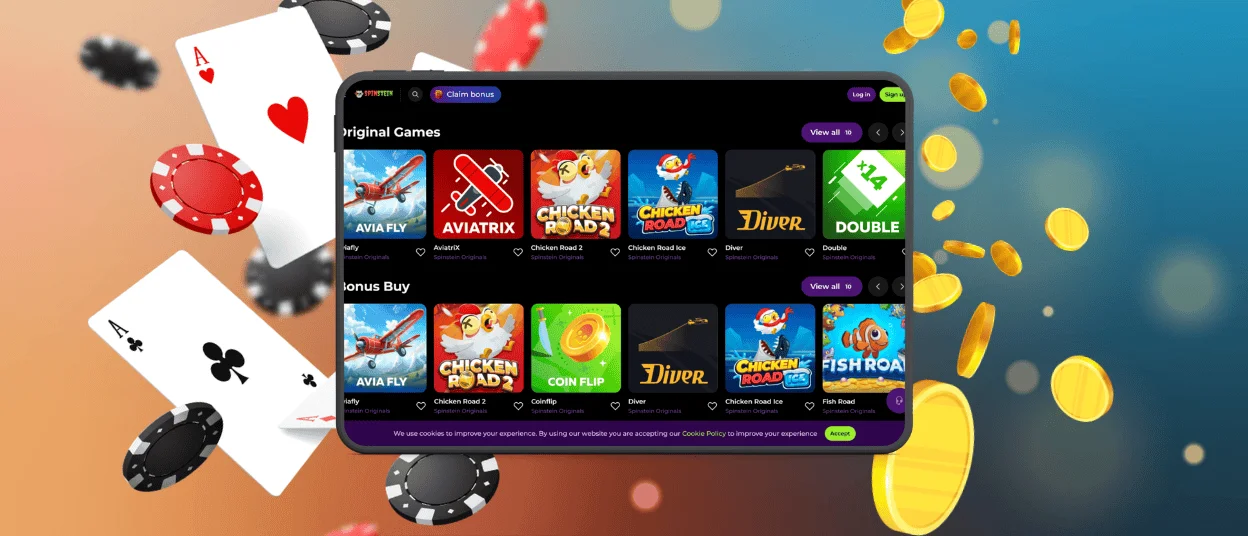
If you have any of the following Apple products—iPhone, iPad—then the installation of our Spinstein app is even easier for you! Spinstein is an equally refined experience for iPhone and iPad users. It is easy to install and does not need to use the App Store because it runs as a PWA shortcut icon and brings you the functionality of a native application, which can be accessed in the browser.
The Spin Stein application is installed on an iPad by:
- Browsing down the Spin Stein Casino page.
- Clicking the three-dot menu on the address bar of the browser.
- Tapping on the “Add to Home Screen” menu.
- Adding the URL of our casino.
- Confirming the installation.
Congratulations on having the Spinstein app on your device. You can run it on small screens on iPhones and on larger iPads. There is an automatic, adaptable interface that offers a graphically appealing display to all users.
Device compatibility
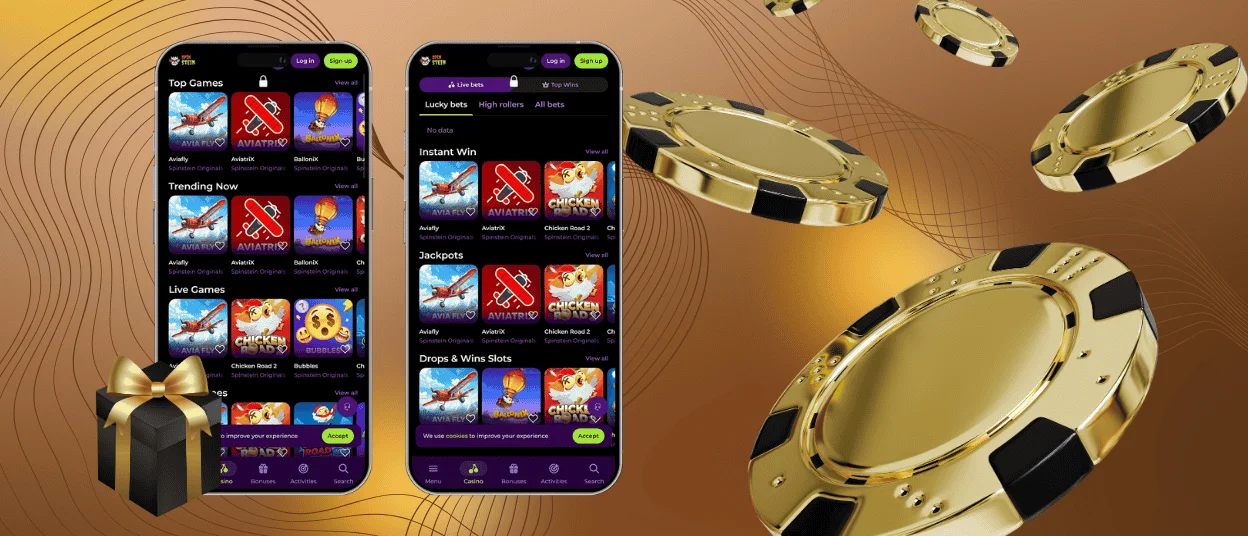
The mobile application of Spinstein Casino is broadly compatible. It is automatically adjusted to the size and the resolution of the device, guaranteeing maximum gameplay and usability. The app supports:
- High-performance smartphones that are very fast to access and easy to use.
- Tablets offer a larger screen for viewing the game in detail.
- Desktops and laptops provide a similar experience to that of other devices, but with bigger screens.
Users have fast and responsive gameplay with little lag using a mid-range phone or high-end tablet. We hope you enjoy using our mobile casino version. The app’s architecture reduces battery drain and data consumption, making it suitable for long gaming sessions on the go.
Spin Stein Casino desktop version
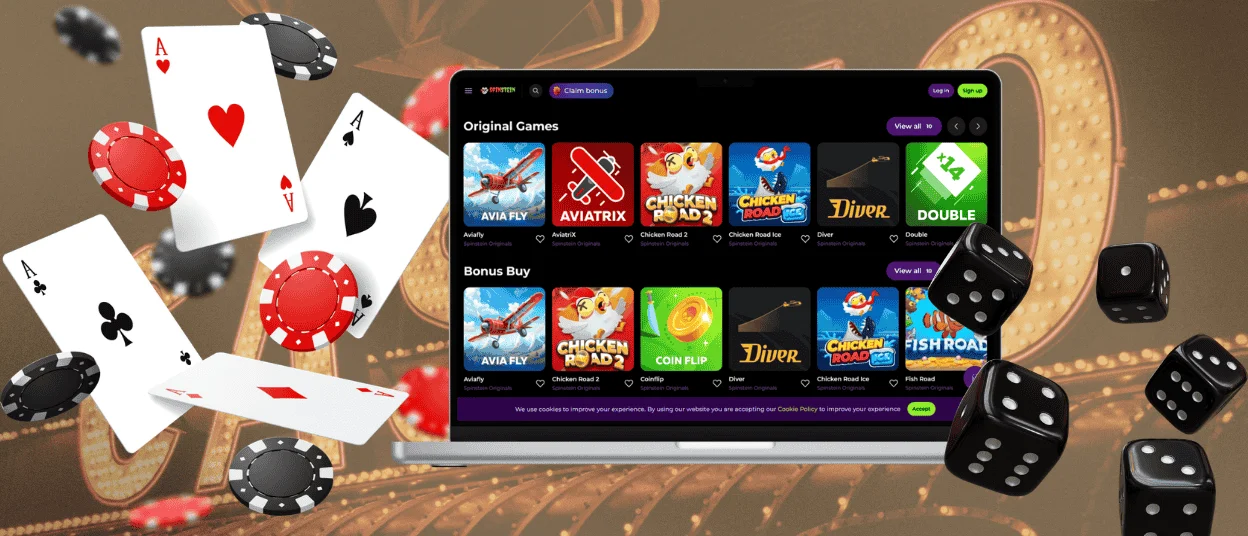
Even though mobile gaming is aimed at on-the-go players, the desktop version of Spinstein Casino is a necessary feature for players with large screens or who prefer a classic-set design. The desktop version works perfectly on Windows and macOS with strong security settings to safeguard the information of our users and ensure fair play.
To visit Spin Stein Casino on a desktop:
- Make a single click with the help of a shortcut or by using a browser.
- Log in to our system with your email and password.
- Enjoy games on your main page or browse your dashboard.
The desktop layout provides a closer look at our Spinstein catalog, particularly for live dealer tables, where clarity is important for experiencing the process. The larger screen also makes it easier to navigate account settings, promotions, and game types.
The desktop version is compatible with all devices. You can equally see your account details, balance, and activity history automatically synchronized. This uniformity ensures a consistent desktop or mobile gaming experience.
Why play on mobile?
As you already understand, it is incredibly convenient and flexible to use the mobile version of Spin Stein Casino. Our cool app allows gamers to play their favorite titles when taking breaks, commuting, or relaxing at home. Accessibility to the casino at any given time implies no waiting or registering on various platforms.
Mobile play focuses on touch interactions, which offer fast, easy access to games and account management features. The app’s responsiveness helps you avoid difficulties even on a relatively low-spec device.
FAQ
Can I switch between light and dark mode in the app?
The Spinstein application has light and dark themes for you all to customize the visual experience to your liking. This is a feature that can be switched on in the settings menu of the app.
Do I need to download anything from the App Store?
Our app is a PWA, and you can just refer to the installation button called “Casino App” or ask a member of our support team to guide you through the process if you are lost. For that, just click the live chat button. No need to install anything from unknown places.
What are the system requirements for the mobile app?
The Spinstein app is compatible with Android 8.0 and above, as well as iOS 12.0 and above. You can play (technically) on very old devices, but we cannot guarantee the best performance. It is compatible with mid-range and high-end devices, and its performance improves with the latest hardware.


